LEGO
Police
Story
Designing a cinematic police chase using Unity, Cinemachine, and environmental storytelling.
PROJECT BRIEF
A cinematic experiment in storytelling.
The goal was to create a short cinematic sequence that captured the excitement of a LEGO police chase while exploring camera language, pacing, and environmental storytelling inside Unity.
This project was never about building a game. Every creative decision, from road layout to camera composition, was made to support the story. The challenge became finding ways to make a LEGO city feel dynamic, believable, and cinematic.
"The strongest scenes weren't created by adding more assets, but by carefully choosing where the camera should be."
STORYBOARDS
The story before the scene.
Before opening Unity, the chase was planned through quick storyboard sketches. Each panel explored camera placement, pacing, and scene progression, creating a clear visual roadmap before production began. These early boards defined the emotional arc of the chase.
Scene Planning
01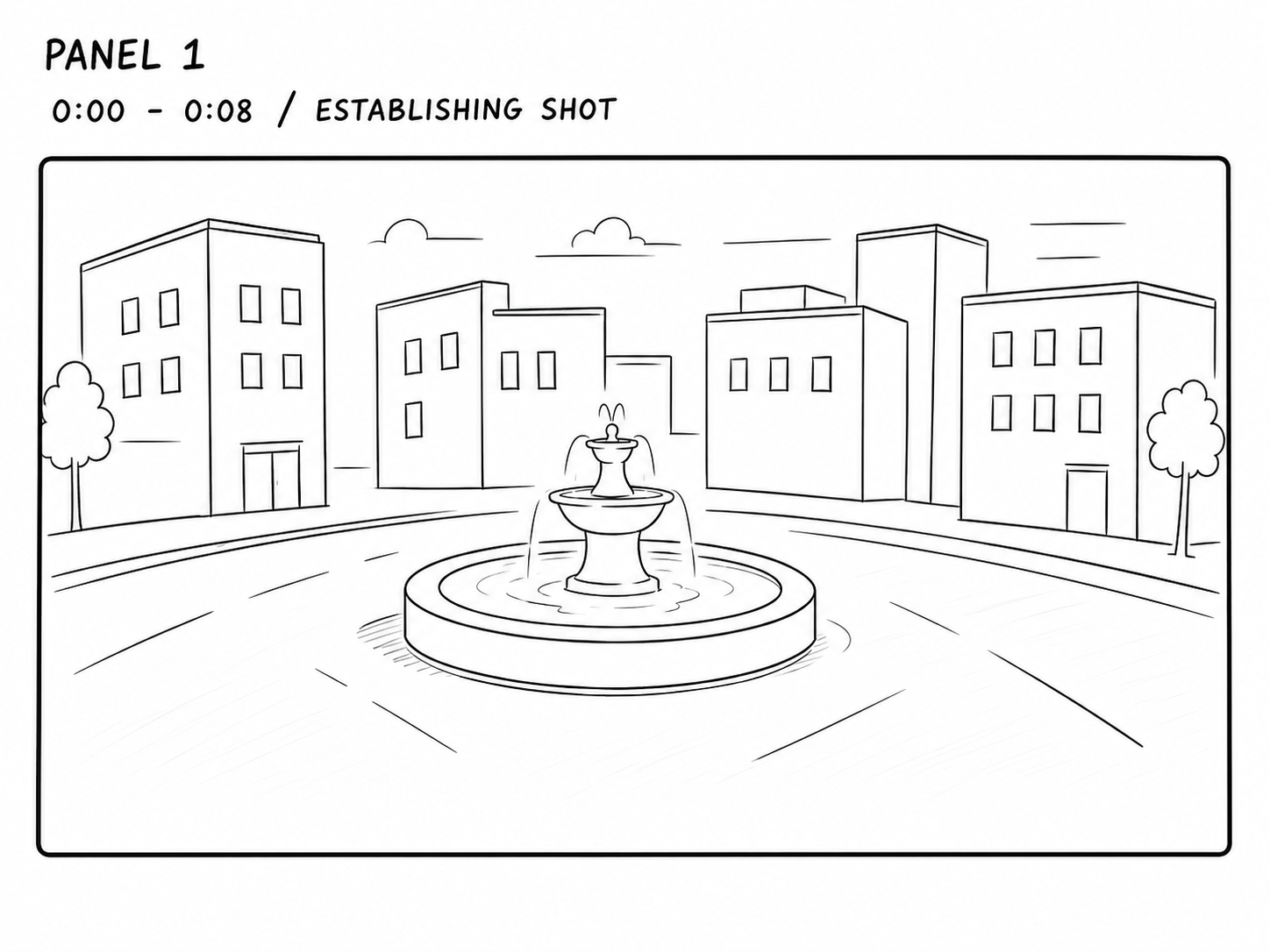
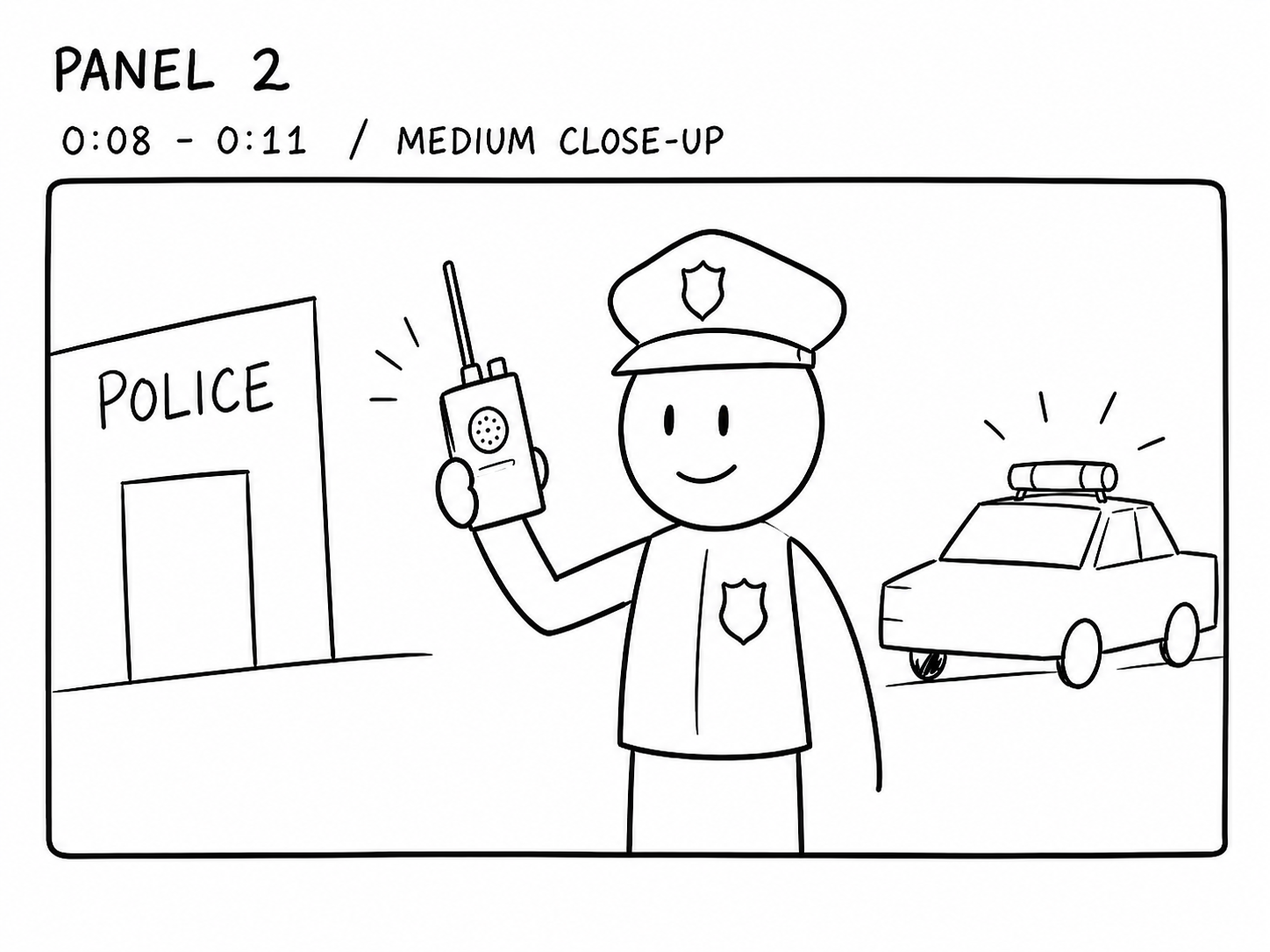
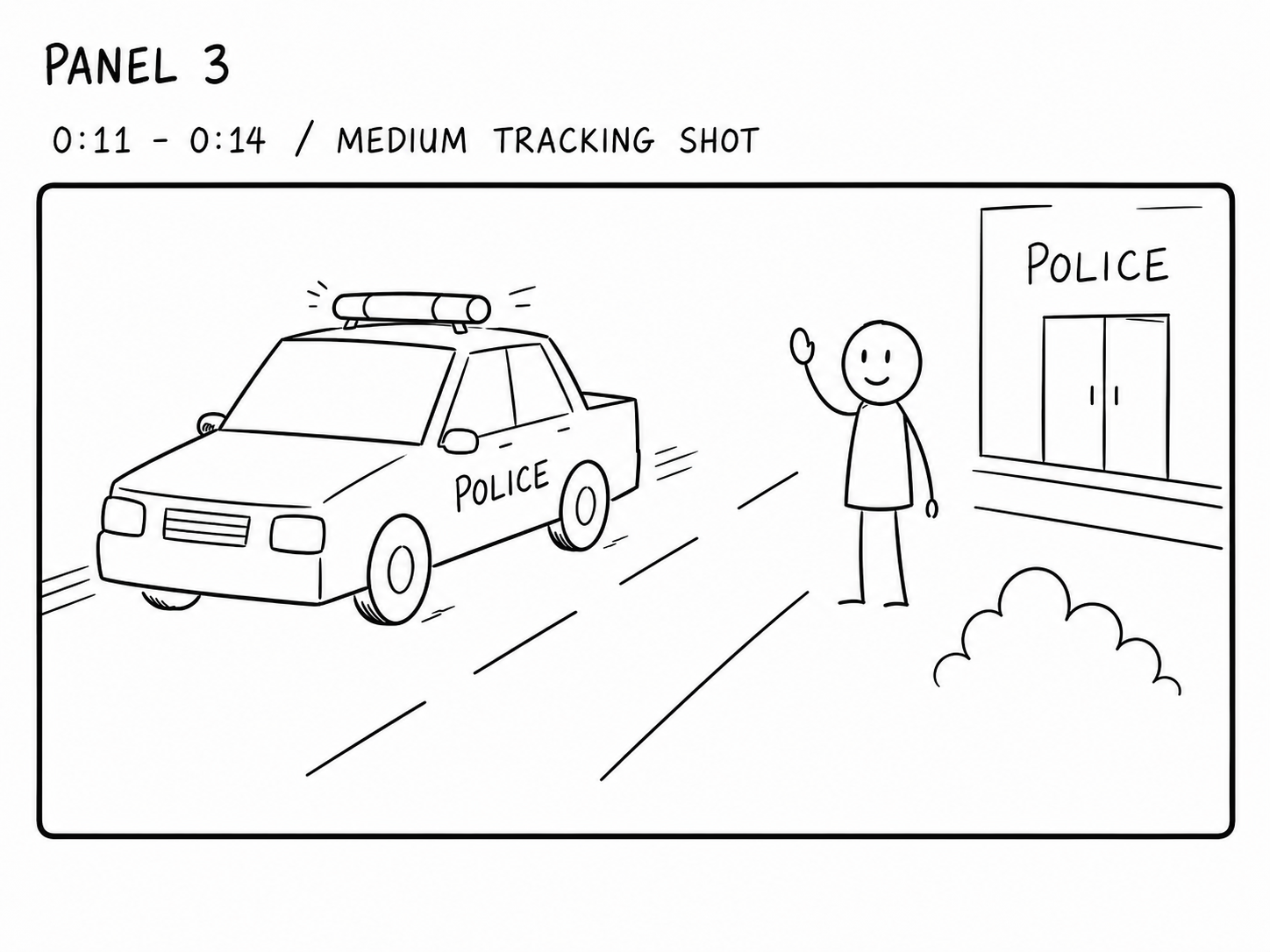
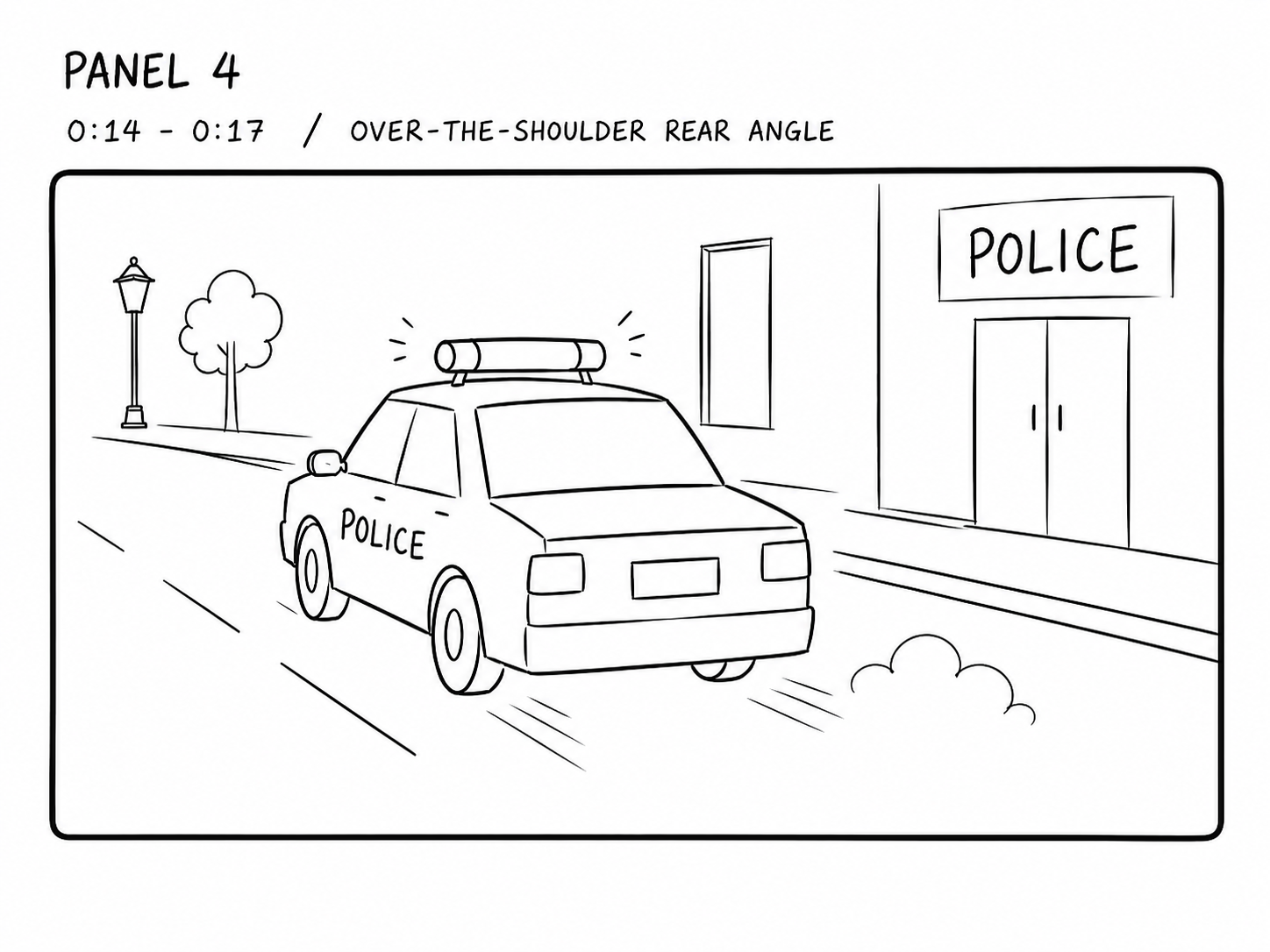
Storyboarding helped shape the pacing of the film before any animation began. Each panel defined the next camera angle, making it easier to translate the sequence into Unity while keeping the narrative clear.
BUILDING THE CITY
Building a believable world.
Rather than modelling every building from scratch, I assembled the city using individual LEGO assets from Mecabricks. Buildings, roads, and landmarks were arranged in Blender to create a believable urban layout that supported the pacing and composition of the police chase. I refined materials, created custom appearances for the police and thief characters, adjusted UV mapping where needed, and prepared the complete scene for Unity.
Building the World
02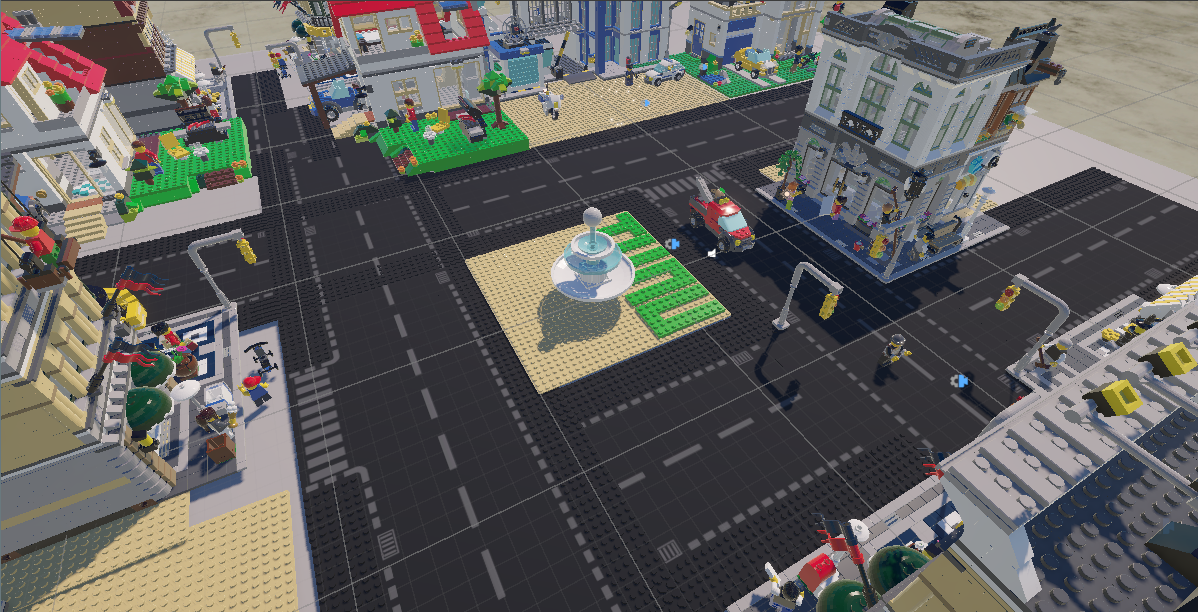
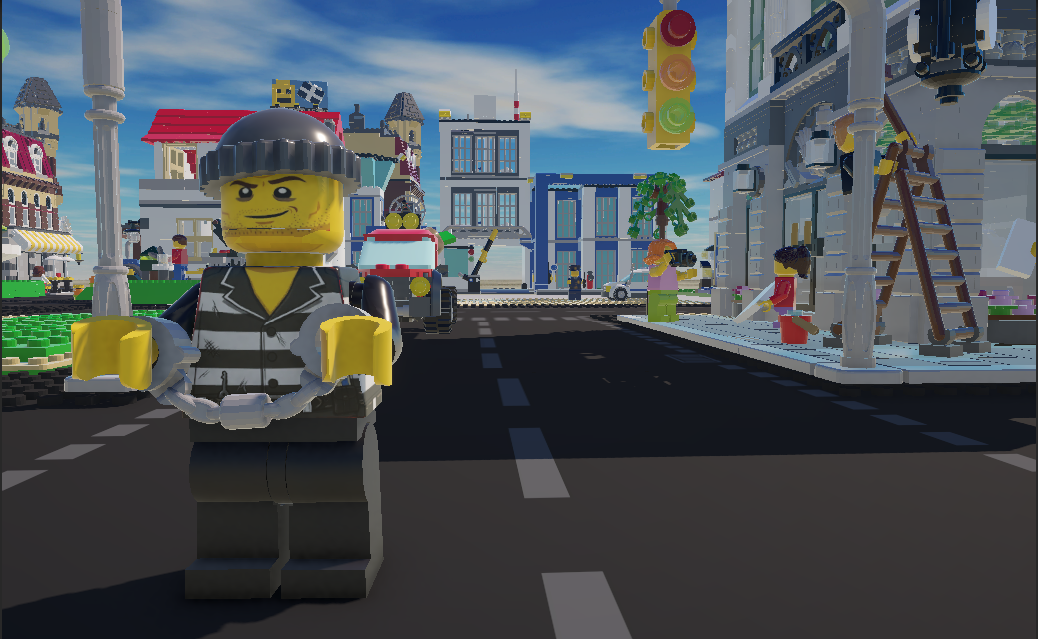
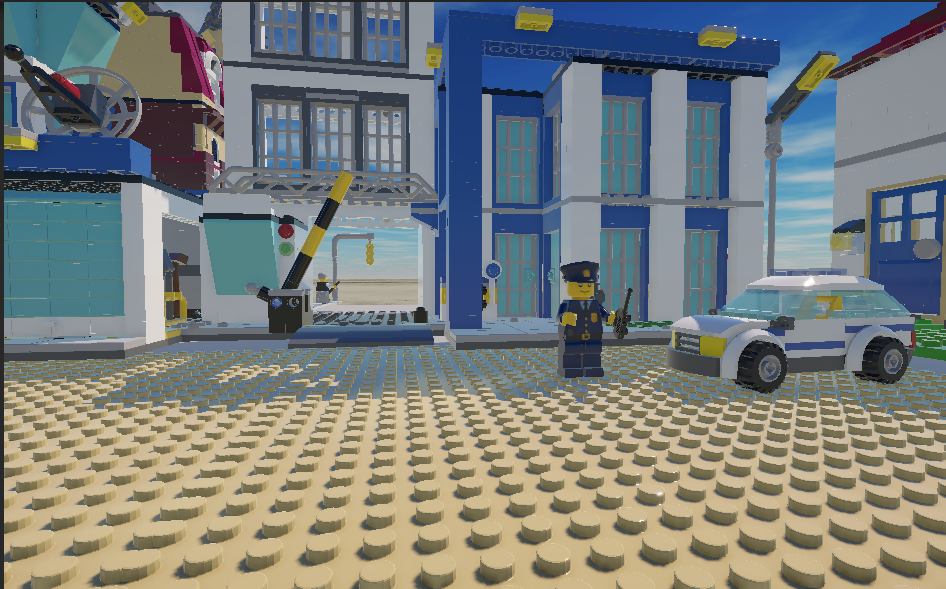
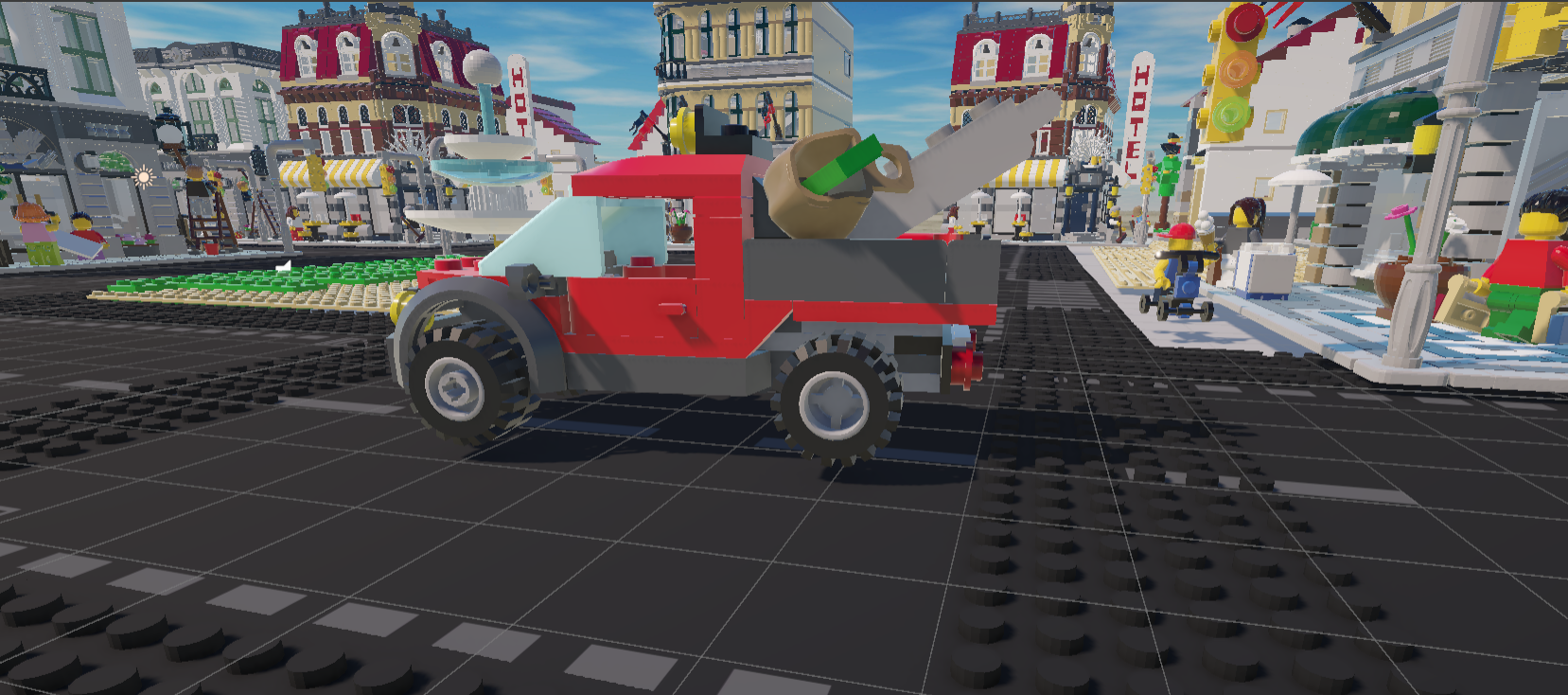
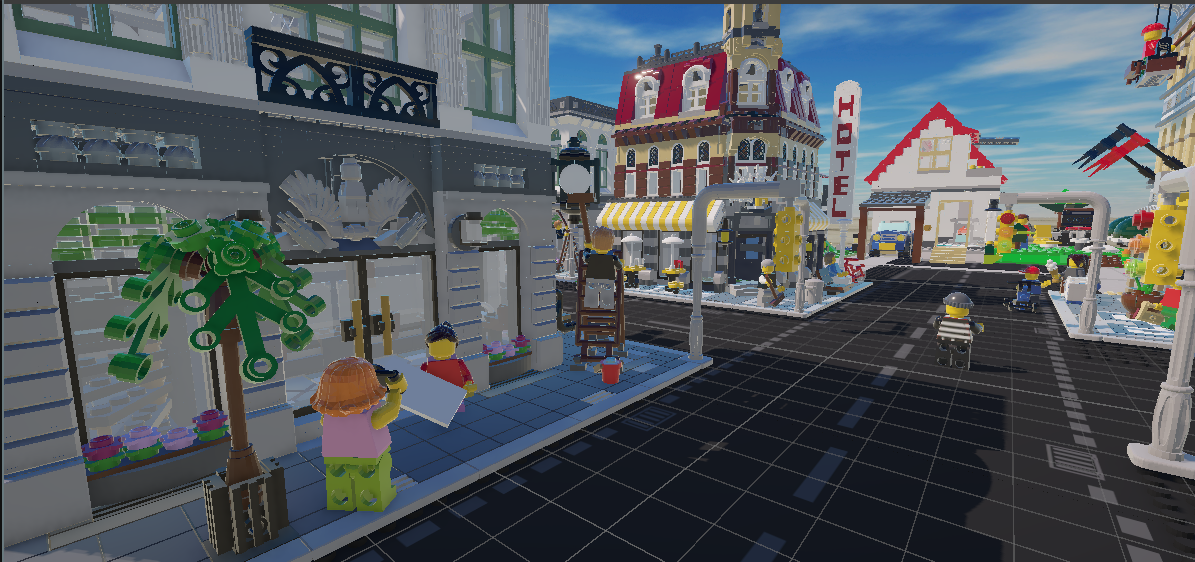
Individual LEGO assets were combined into a cohesive city designed specifically for the film. Roads and intersections were planned to naturally guide the chase, while landmarks helped establish a clear sense of place. Once inside Unity, I focused on lighting, scene composition, and camera framing to reinforce the atmosphere and support the story.
CAMERA DIRECTION
Speaking the language of cinema.
Instead of relying on default Unity cameras, I used Cinemachine to choreograph each shot with a specific purpose. Every camera movement was planned to establish location, introduce characters, and maintain momentum throughout the police chase.
Cinemachine Setup
03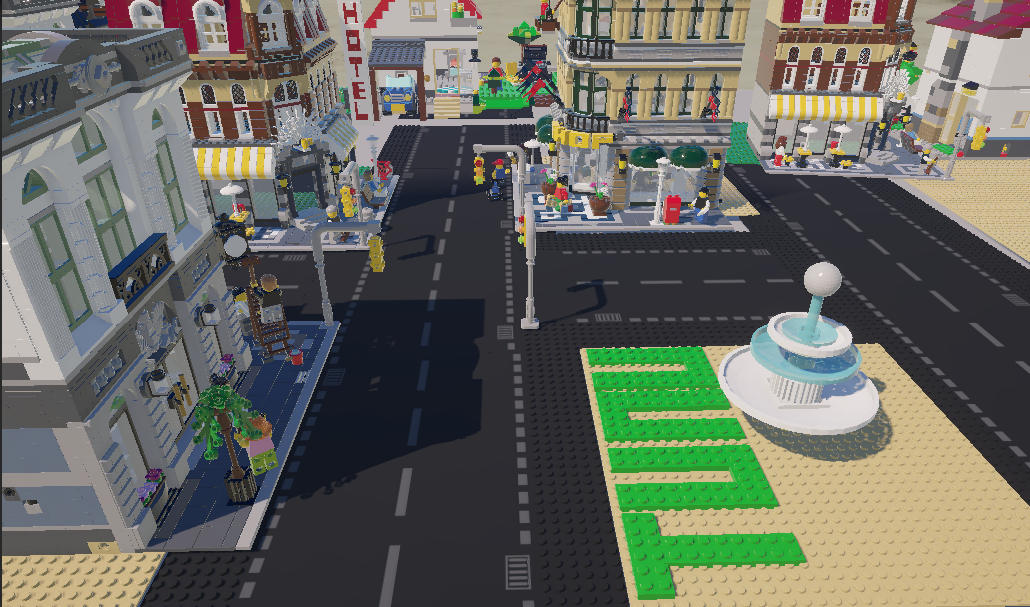
ESTABLISHING SHOT
Introducing the city.
The film opens with a wide aerial view of the LEGO city before gradually moving toward street level. This opening establishes the environment, introduces the scale of the world, and prepares the audience for the chase that follows.
TRACKING SHOT
Following the pursuit.
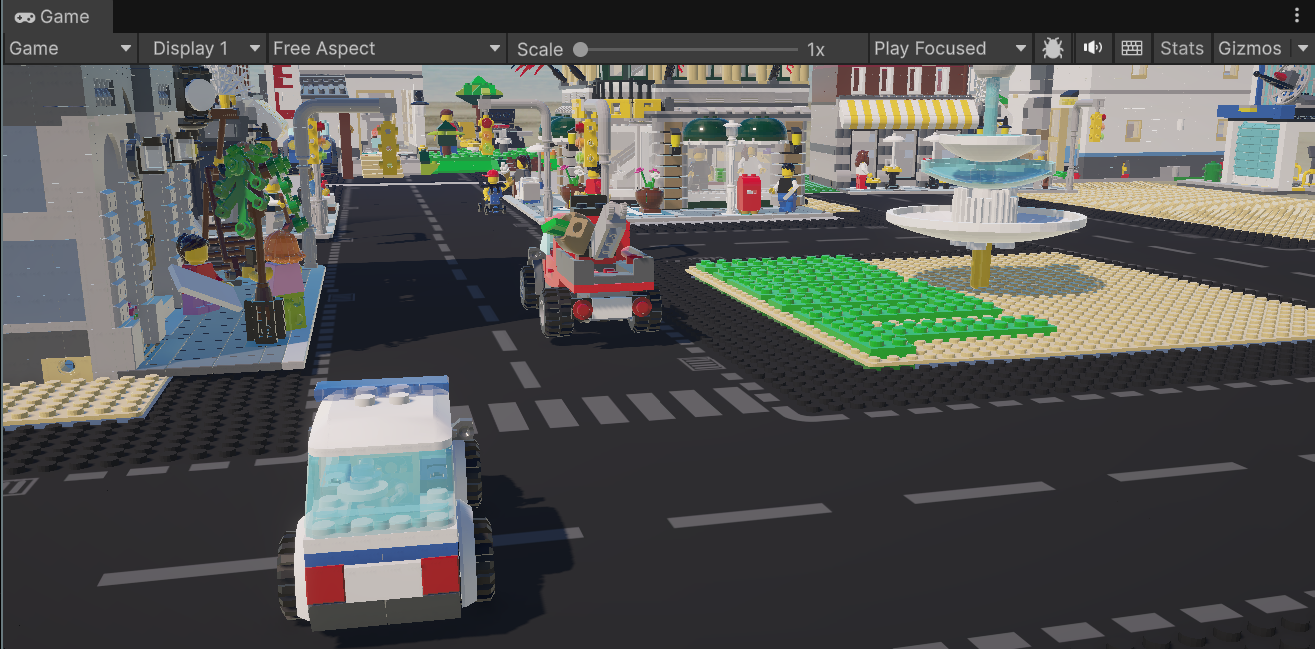
Once the chase begins, the camera shifts into a tracking movement that follows the police vehicle through the streets. Keeping the camera close to the action helps maintain momentum while allowing the environment to remain an active part of the story.
CLOSE-UP
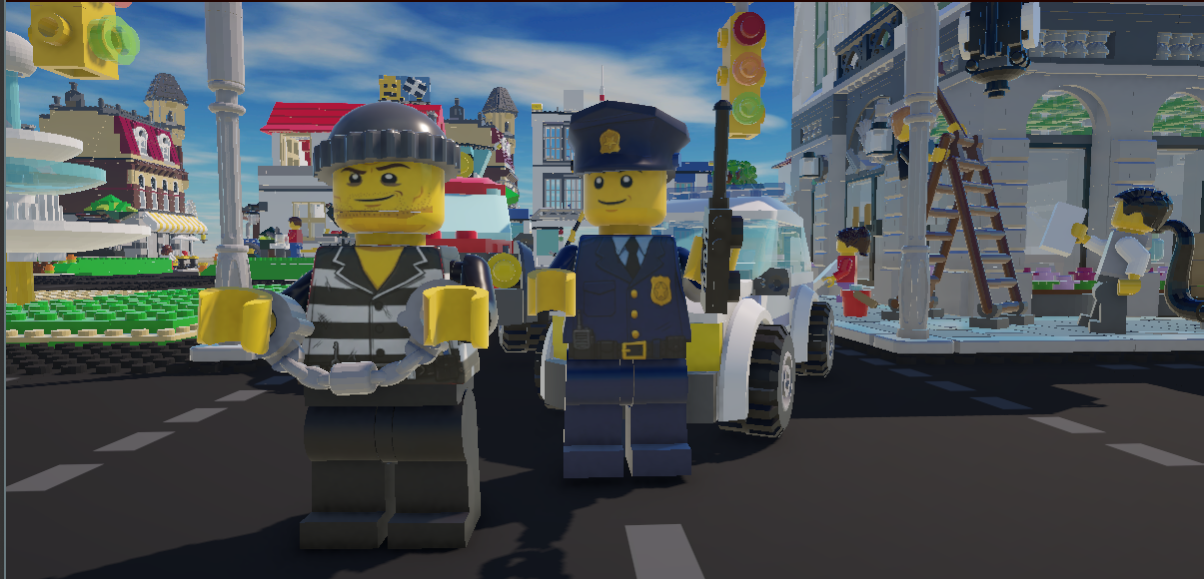
Close shots were used to introduce important characters, making the police officer and thief immediately recognisable before the action escalated.
AERIAL
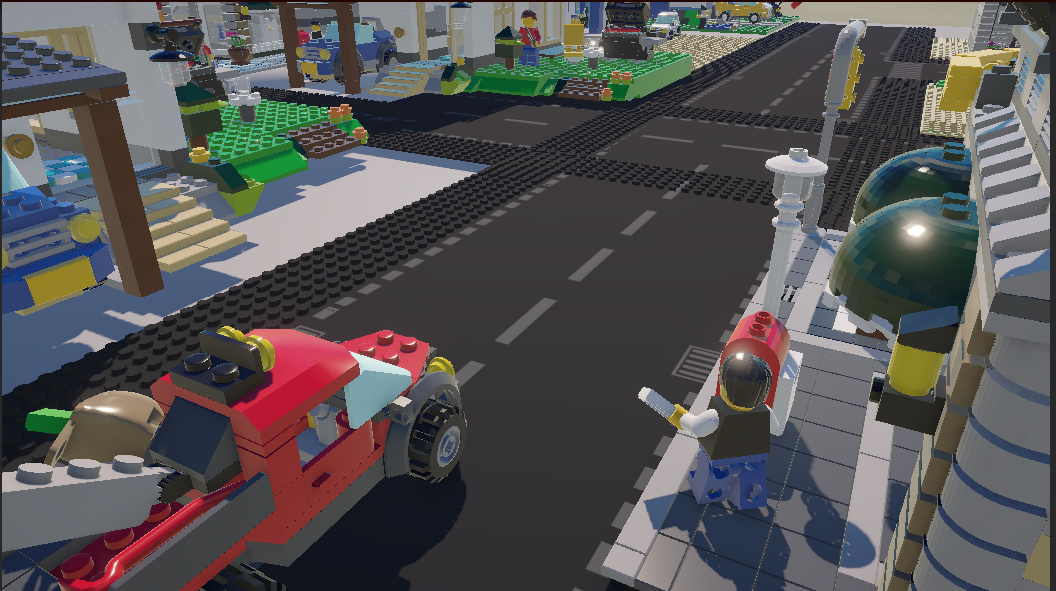
High-angle views revealed the layout of the city and helped connect different parts of the chase into one continuous sequence.
CAMERA TRANSITIONS
Smooth transitions between Cinemachine virtual cameras allowed each scene to flow naturally while keeping the audience oriented throughout the film.
ANIMATION PROCESS
From static to cinematic.
Unity's Timeline became the backbone of production, bringing together vehicle movement, character animation, camera changes, lighting, and audio into a single sequence. By coordinating every element on one timeline, each shot flowed naturally into the next, creating a cohesive cinematic experience.
Timeline & Sequencing
04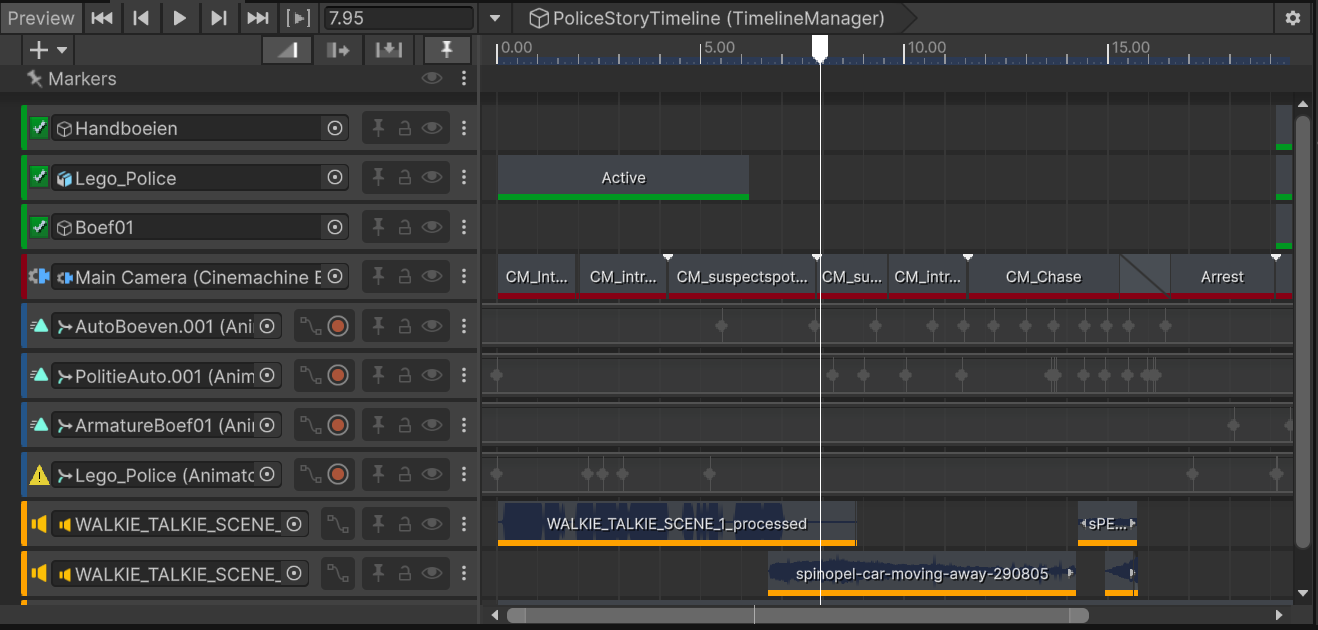
Vehicle Animation
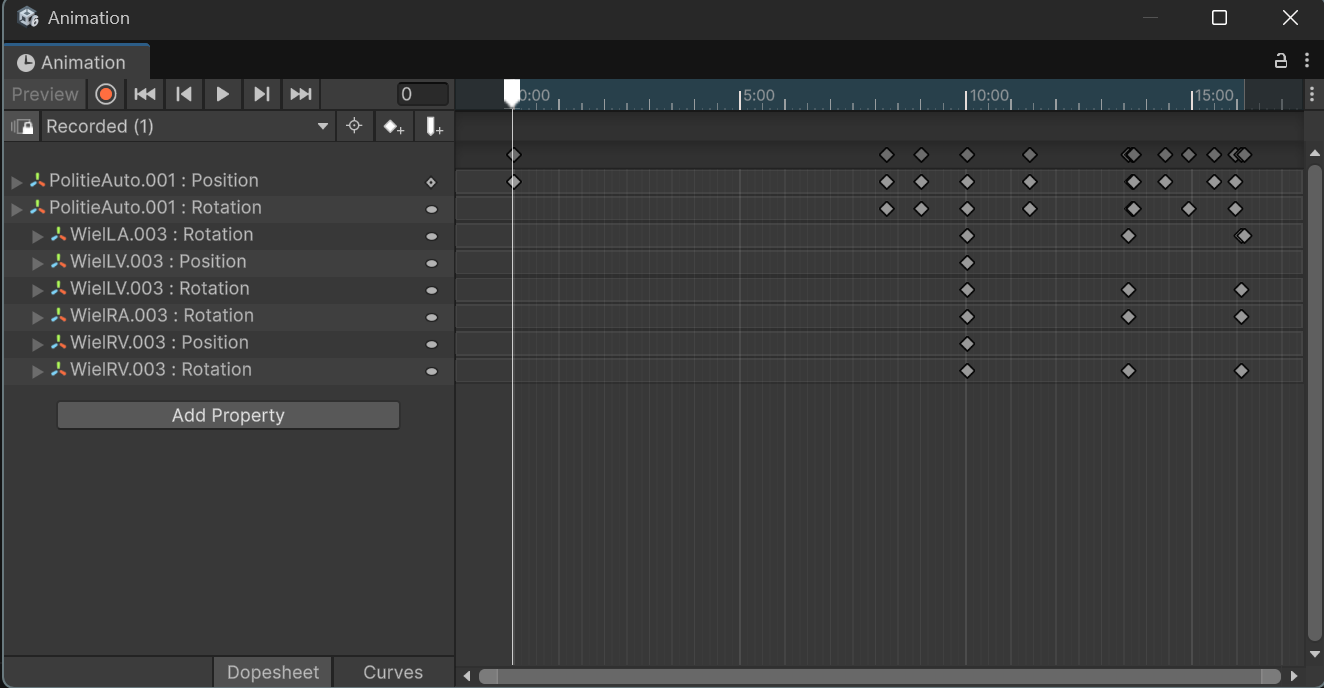
Police vehicles, the tow truck, and supporting objects were animated with keyframes to create consistent movement throughout the chase. Motion was adjusted repeatedly until the pacing felt believable within the LEGO environment.
Camera Sequencing
Each camera transition was timed directly inside Timeline, allowing scenes to cut smoothly between wide establishing shots, close-ups, and tracking cameras without interrupting the flow of the story.
Final Assembly
The complete sequence brought together animation, Cinemachine cameras, lighting, and sound into one editable timeline, making it easier to refine pacing and produce the final short film.
PRODUCTION
Inside the workflow.
The production pipeline combined modelling in Mecabricks and Blender with scene assembly in Unity. Lighting and rendering decisions were made iteratively_each pass revealing new opportunities to strengthen the atmosphere.
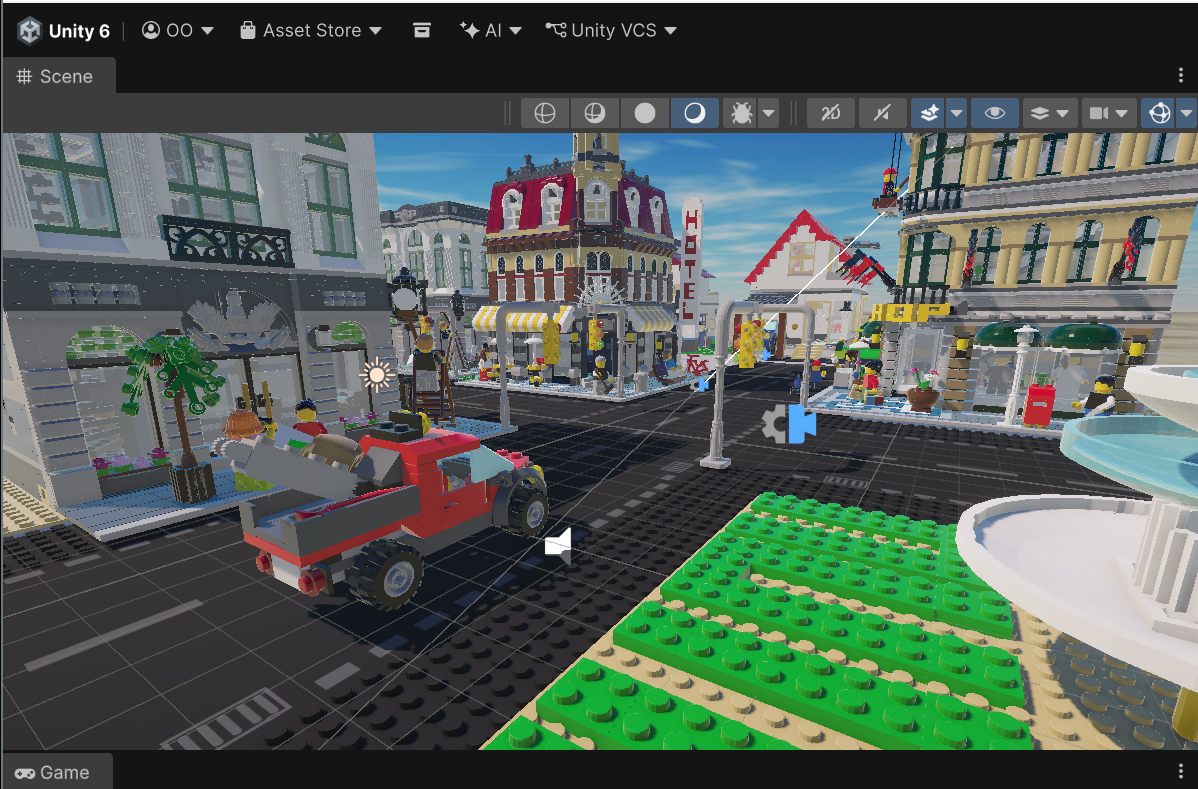
Unity Editor & Rendering
05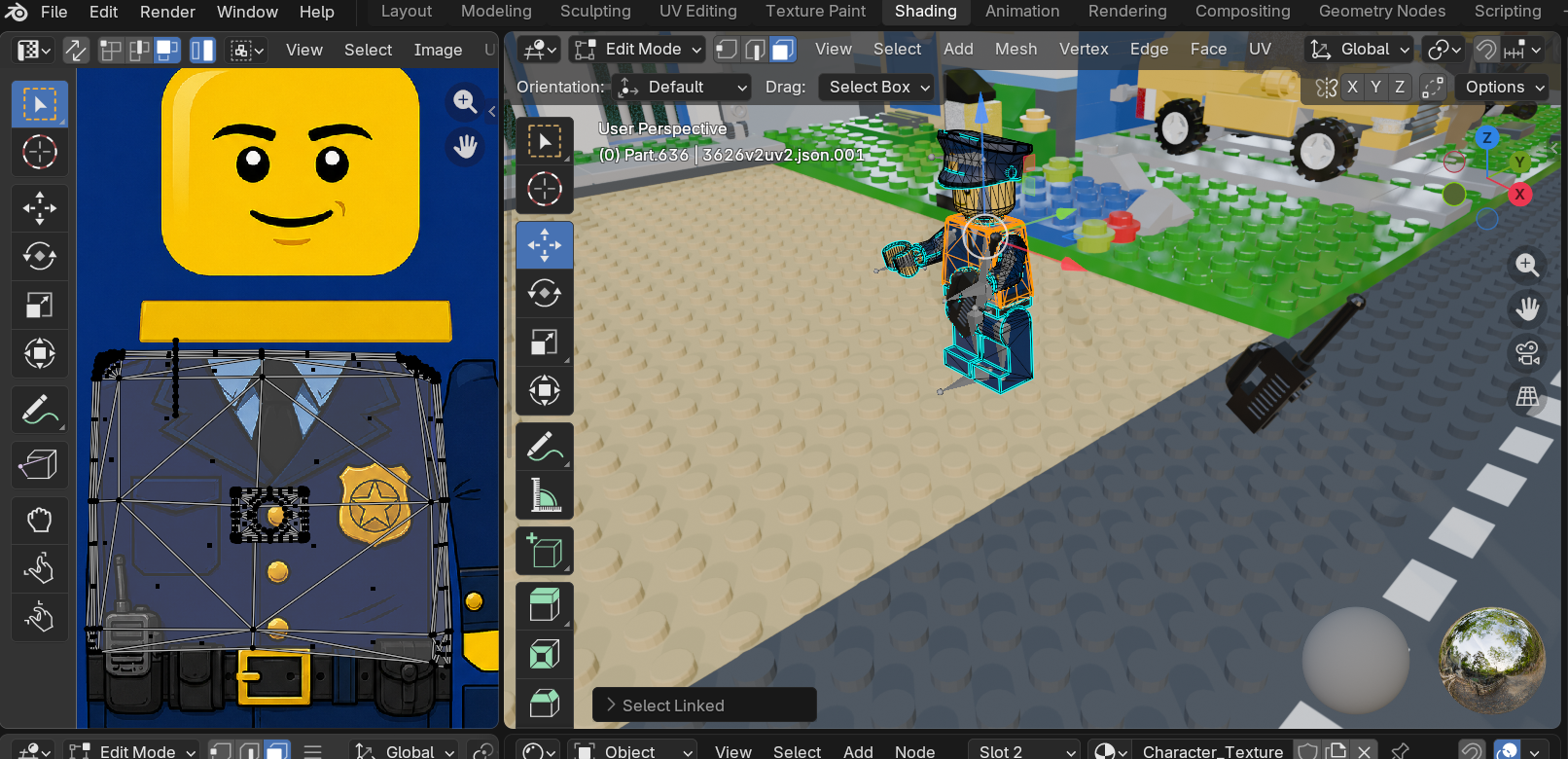
Asset Preparation
LEGO buildings and props were sourced from Mecabricks before being assembled into a complete city inside Blender. Materials were refined, custom police and thief textures were created, and UV mapping was adjusted where needed before export.
Scene Assembly
The finished environment was imported into Unity, where streets, vehicles, characters, and props were organised into the final production scene ready for animation.
Cinematic Lighting
Lighting was adjusted to reinforce the atmosphere of the chase. Shadows, composition, and colour helped guide attention while giving the LEGO environment a more cinematic appearance.
Rendering
Once animation and camera work were complete, the film was rendered from Unity using URP with post-processing to produce the final short film.
FINAL FILM
LEGO Police Story.
High-Speed Chase
A fast-paced pursuit through the LEGO city, designed to maintain momentum while showcasing the environment.
Camera Direction
A combination of establishing shots, tracking cameras, and close-ups guides the viewer through each stage of the story.
Environmental Storytelling
The city acts as more than a backdrop. Streets, landmarks, and lighting all help shape the narrative.
Police Interception
The final confrontation concludes the chase with a clear visual payoff and completes the story arc.
BEAUTY RENDERS
Composition & atmosphere.
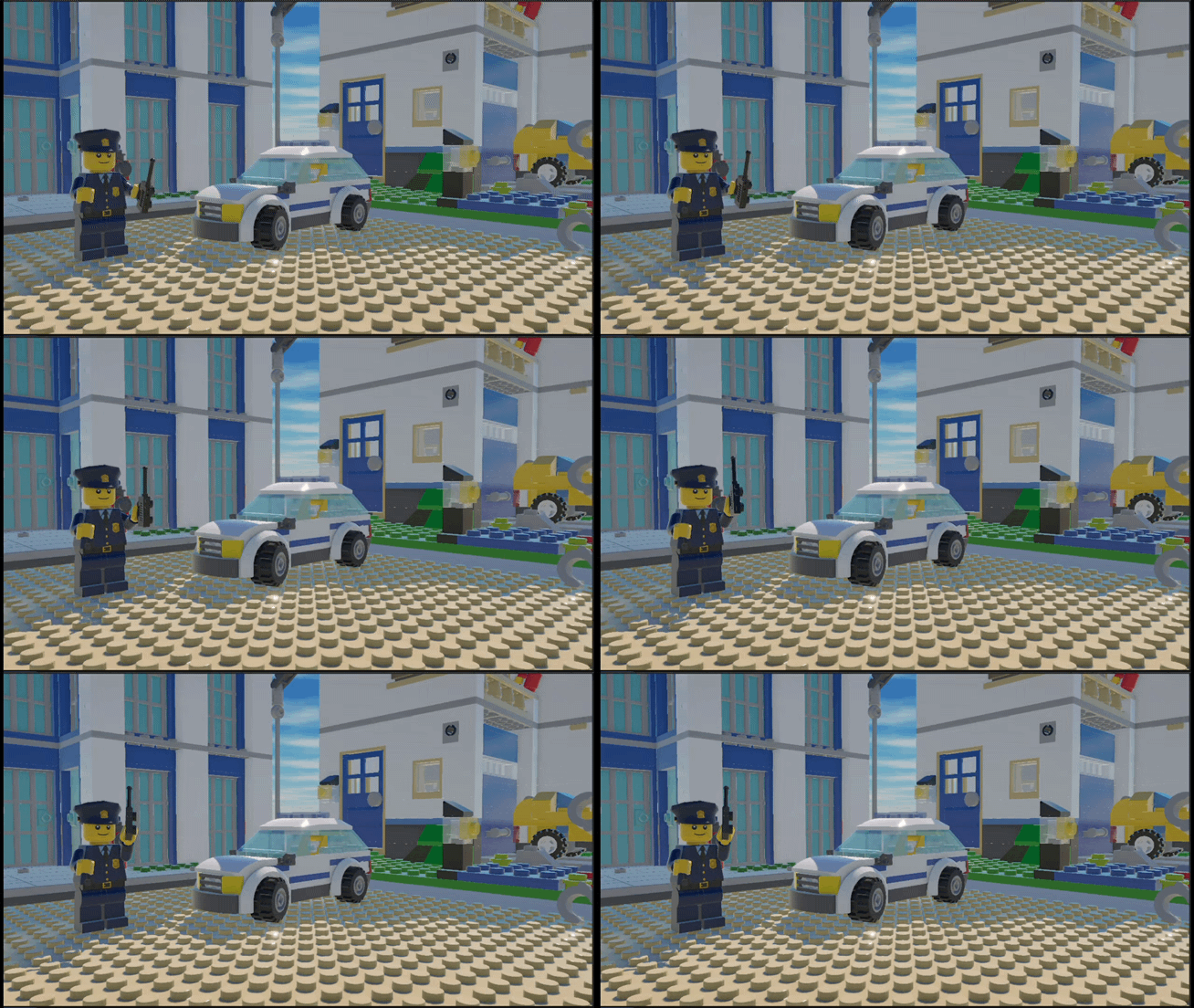
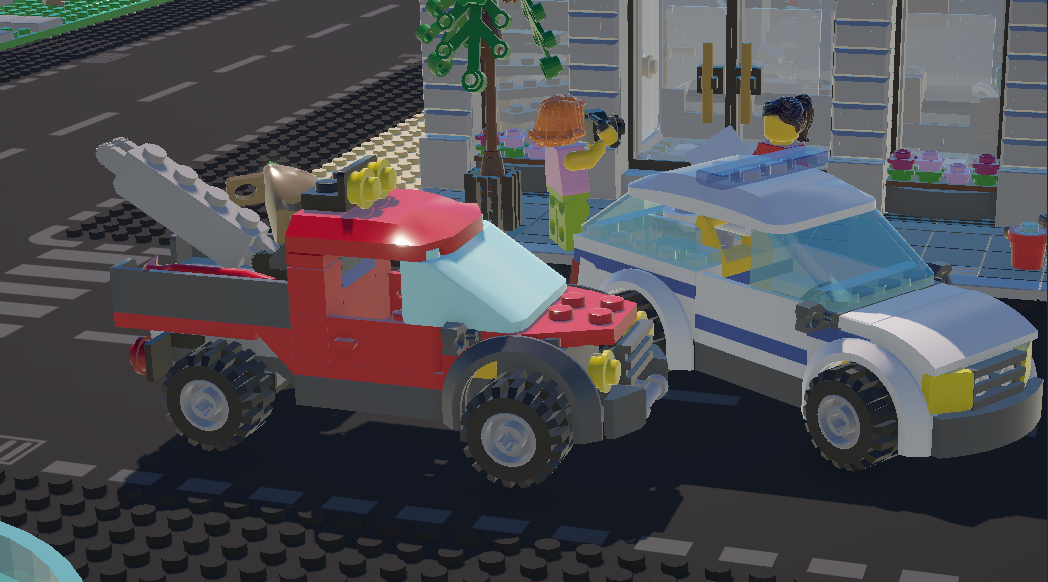
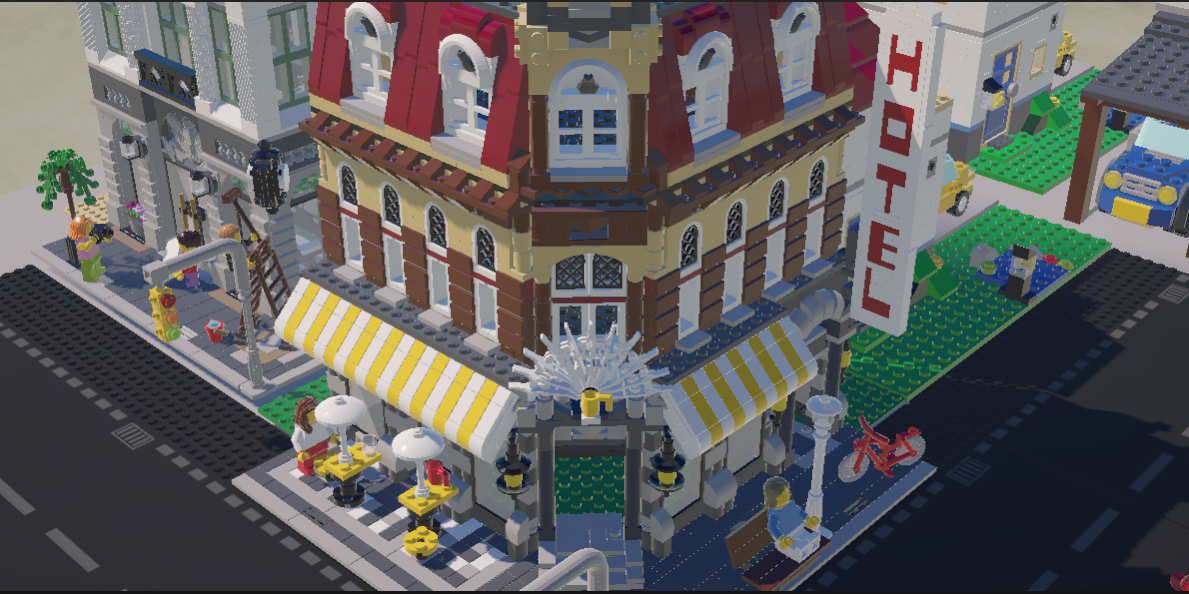
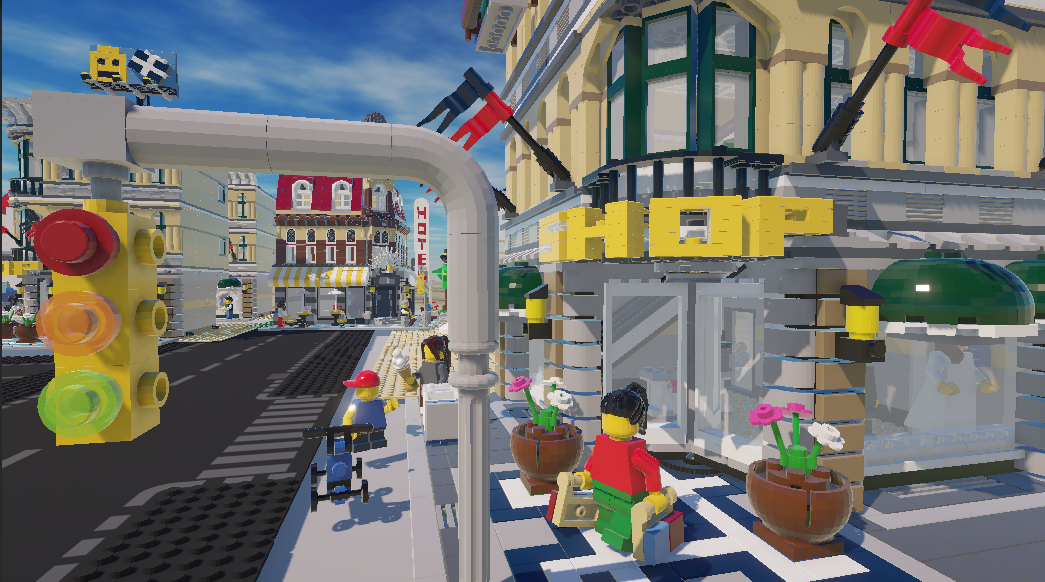
A selection of frames captured from the final render, highlighting composition, lighting, and the visual language developed throughout the project.
LOOKING BACK
What this project taught me.
This project taught me that cinematic storytelling depends on thoughtful planning rather than simply adding more assets. As production progressed, I spent more time refining camera placement, pacing, and composition than creating new content. Small adjustments to framing, movement, and timing often had a greater impact than introducing additional models or effects. Working across Mecabricks, Blender, and Unity also strengthened my understanding of how different tools fit into a single production workflow. More importantly, it reinforced the value of iteration. Revisiting scenes repeatedly was what transformed a technical exercise into a more engaging cinematic experience.
IF I CONTINUED
Future iterations
Improve character animation
Create more expressive character movement and interactions to make each scene feel more alive.
Expand the story
Develop a longer narrative with additional locations, supporting characters, and more varied chase sequences.
Refine cinematic lighting
Experiment with more advanced lighting techniques and post-processing to strengthen mood and atmosphere.
Explore advanced camera work
Use more complex Cinemachine setups, smoother transitions, and dynamic camera movements to elevate the storytelling.